
Storybook's AI documentation opens with an instruction aimed at agents, and it's blunt enough to be worth quoting before anything else:
"CRITICAL: Never hallucinate component properties! Before using ANY property on a component from a design system, you MUST use the MCP tools to check if the property is actually documented."
That is the whole reason to wire this up. Everything else the setup gives you, faster story scaffolding, previews in the chat window, tests on demand, is convenience. That one rule is correctness. An agent connected to component manifests reads an API that exists rather than one that sounded plausible.
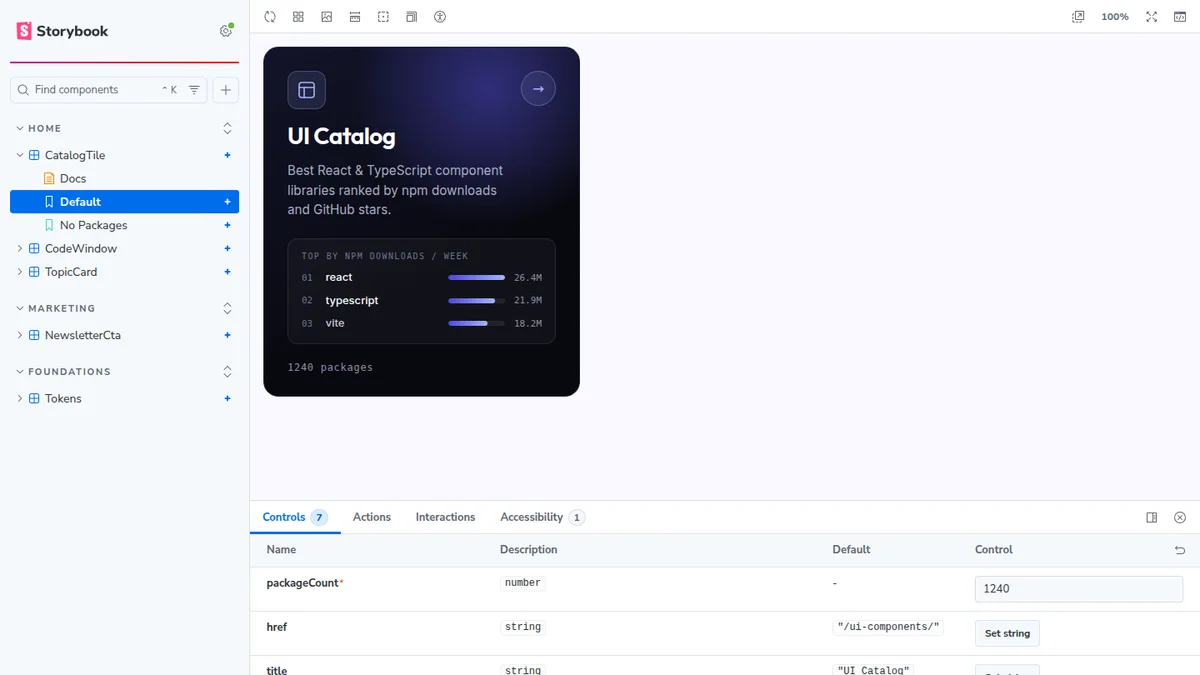
So I gave Claude Code this blog and asked for a Storybook over its five React island components, with MCP attached. The blog already had a Storybook, but a different animal: a sandbox workspace pinned to old library majors, built and shipped so two older posts can deep-link into it. That one documents other people's packages. This one had to document ours. One Storybook per site, never one for the monorepo, for reasons that turn out to matter more than tidiness. Here's what that actually took.
What's the Minimum Setup?
Three commands, and the third is the one people forget.
npm create storybook@latest
npx storybook add @storybook/addon-mcp
npx mcp-add --type http --url "http://localhost:6006/mcp" --scope project
Run it from inside the site, not from the repo root. If you keep more than one Storybook in a monorepo, give each a fixed port and register each URL separately, or the second one starts on a port the first agent isn't watching. Ours run on 6006 for the sister site, 6007 for this one, and 6010 for a sandbox workspace that pins old library majors on purpose. Three Storybooks, three ports, three MCP registrations.
Then name the toolset in your CLAUDE.md or AGENTS.md so the agent knows the tools exist, and check it with a prompt like "List all documented components." If that returns your component names, the manifests are live.
The manifests themselves are JSON metadata over your components, stories, and docs, rebuilt automatically as you work. They're served from the running dev server, which means the MCP endpoint only exists while storybook dev is up. Worth knowing before you debug a "connection refused" for ten minutes.
What Comes Back Over the Wire?
Seven tools, in three toolsets. I probed a live server rather than trust the docs page, and the list didn't quite match:
| Toolset | Tools |
|---|---|
| Docs | list-all-documentation, get-documentation, get-documentation-for-story |
| Development | get-changed-stories, get-storybook-story-instructions, preview-stories |
| Testing | run-story-tests |
get-stories-by-component also answered, though it isn't listed in the overview. Small thing, but it tells you the preview label is doing real work.
The payload is what matters. Calling get-documentation on this site's topic tile returns its real signature:
export type Props = {
  href: string;
  label: string;
  description: string;
  /** Article count. Rendered as "N articles". */
  count: number;
  /** 20x20 stroke SVG, drawn in the chip's own color (currentColor = white). */
  icon: ReactNode;
  /** Any CSS color. Sets --accent: the icon chip fill and the footer arrow. */
  accent?: string;
  /** Extra class for grid placement (e.g. a span). */
  className?: string;
  /** Replaces the "N articles" footer label. */
  countLabel?: string;
}
Types, JSDoc, required markers. An agent holding that can't invent a variant prop, because it can see there isn't one. Note also that the doc comment on your story's meta export becomes the component description in the manifest, so the sentence you write above const meta is the sentence an agent reads first. Write it like it matters.
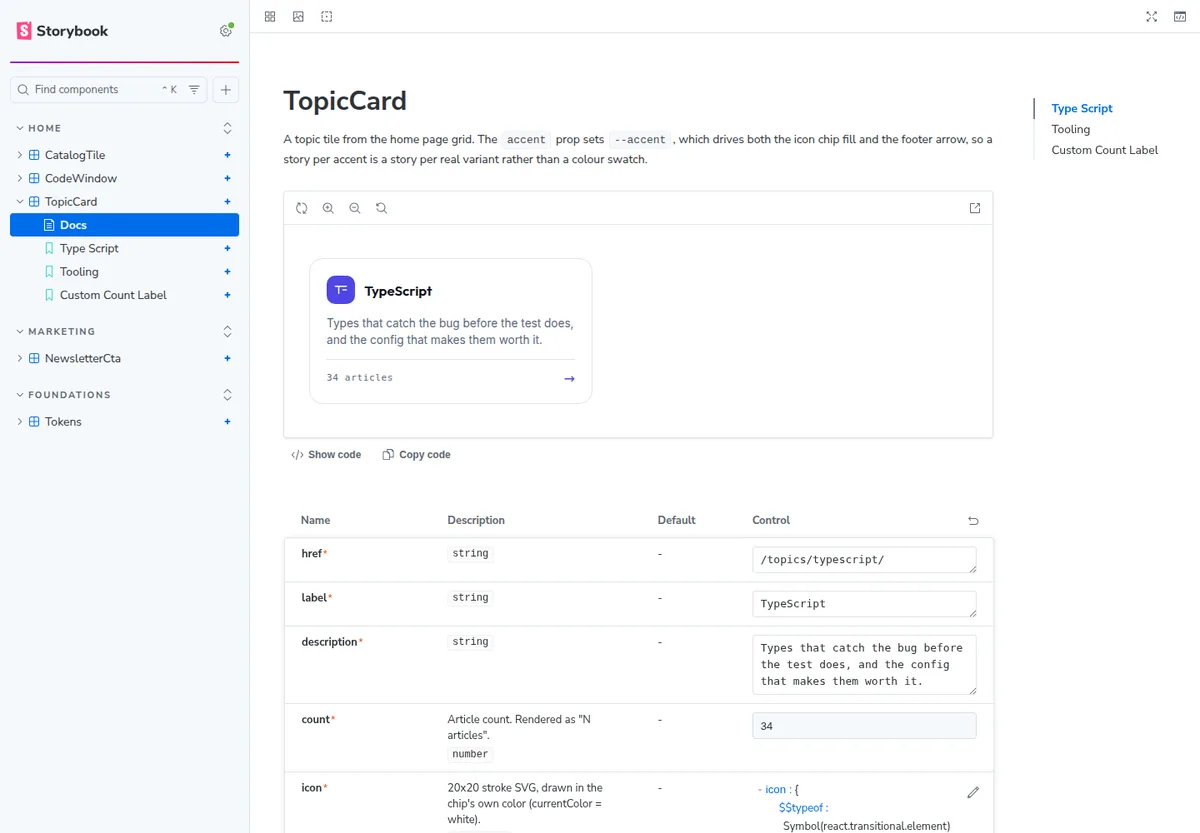
One caveat the format doesn't advertise: nested prop types come back by name only. A packages: CatalogPackage[] prop tells the agent a shape exists without telling it what's inside. For anything with a rich object prop, keep a story that shows a filled example.
Which Three Failures Hit, and Which Gave a Useful Error?
Setup is not the hard part. Setup that silently half-works is.
React is not defined. Every story died at render. Vite's React plugin applies its automatic JSX transform inside the project root, and anything it doesn't claim falls through to the bare esbuild transform, which defaults to the classic runtime. Components written for Astro islands never import React, because they never needed to. One line fixed it:
viteFinal: async (config) => {
  config.esbuild = { ...config.esbuild, jsx: 'automatic', jsxImportSource: 'react' };
  return config;
},
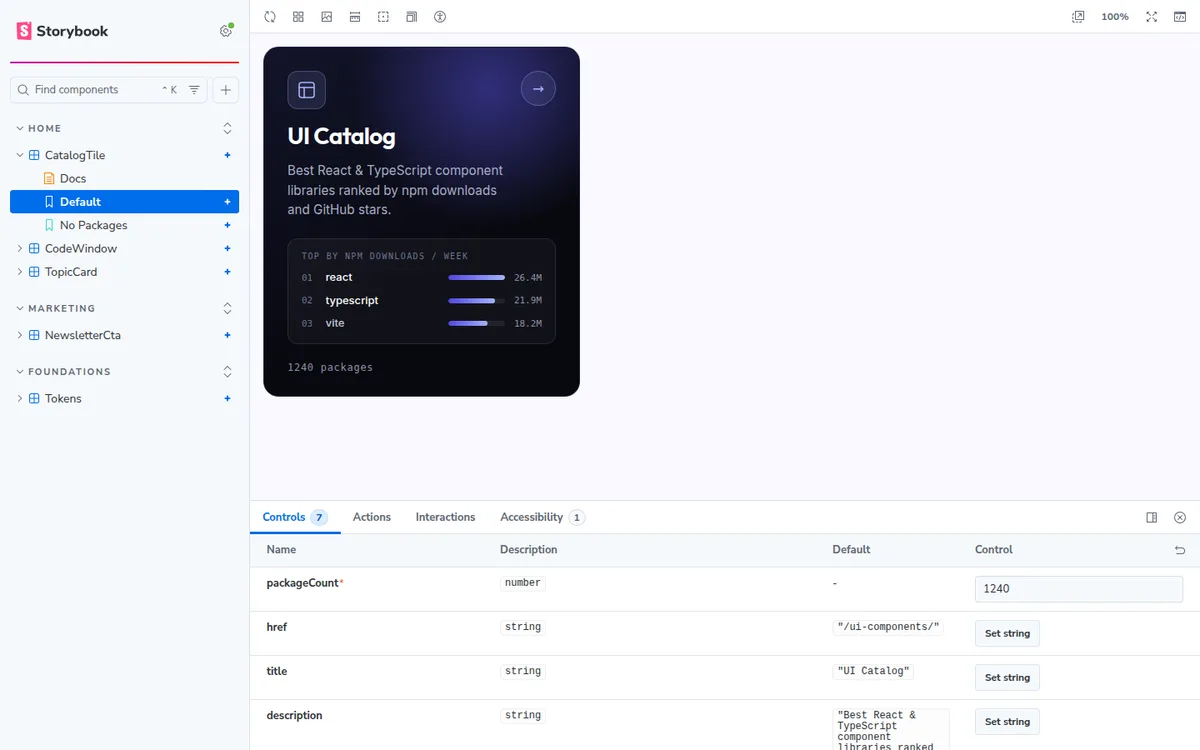
Docgen quietly gave up. The prop tables showed three props for a component with six. The plugin's warning said the file was "not included in the active TypeScript project", which points at the file and not at the cause. The cause was a single include entry starting with ../. With one parent-relative path in the array, the plugin skips every file in the project, including files sitting right next to the config. I proved it both ways before I believed it.
Components outside the project don't get docgen at all. My first attempt put the Storybook in a shared package and pointed it at components in several workspaces. Everything outside that package sits outside its TypeScript project, and no tsconfigPath override I tried brought them in. Those tables silently shrank to whatever props had args.
The fix turned out to be architectural rather than a config flag: put the Storybook inside the site that owns the components. Move it into the blog and every component is back in one project, with full tables and no hand-written argTypes. It's also the honest arrangement for a portfolio, since each site has its own tokens and its own class prefix and a shared Storybook would document a page nobody ships. Anything genuinely shared still needs argTypes written by hand, which is a fair price for a handful of components.
That failure has a twist worth carrying: while the tables were broken, the MCP manifest was not. get-documentation kept returning the full prop list with JSDoc while the Autodocs page showed three rows. Your agent can be better informed than your documentation site, which is a strange sentence to write and a useful one to remember when something looks broken.
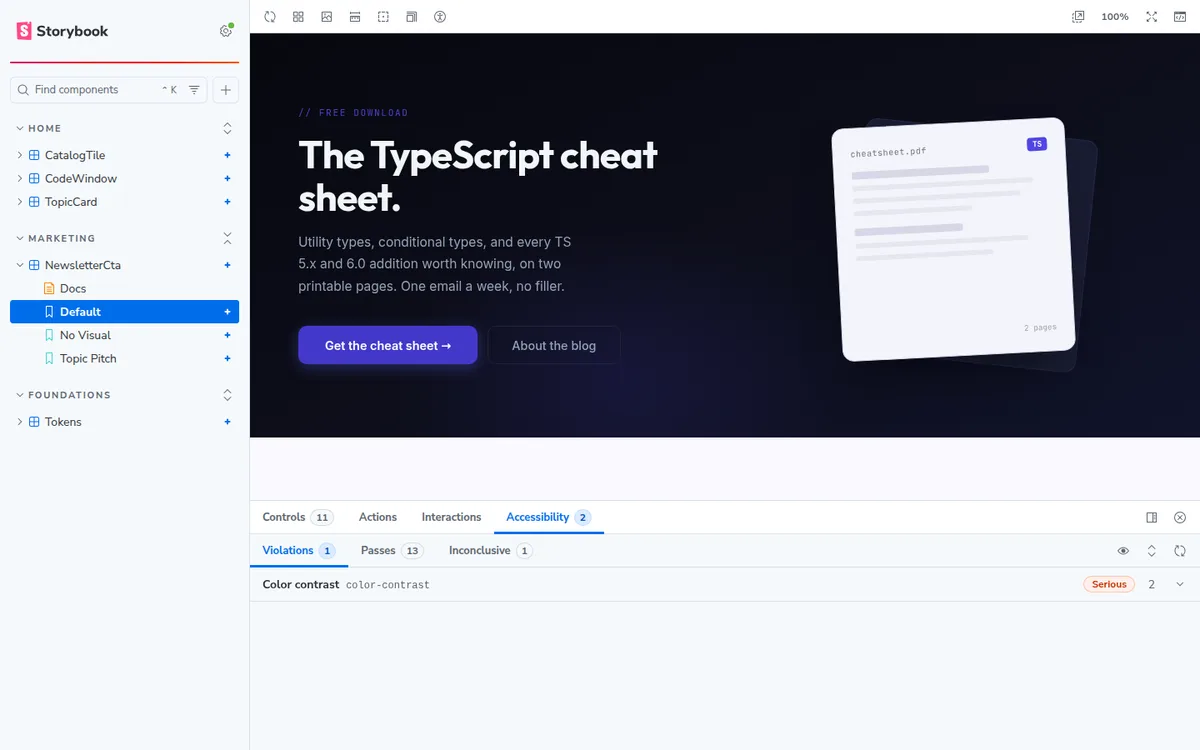
The accessibility addon runs an axe scan per story and reports inline, which is the cheapest a11y gate you will ever install.
What Does the Loop Look Like Once It Works?
The overview page describes four phases, and the order is worth reading carefully because it isn't the order most people assume.
- Discovery:
list-all-documentation, thenget-documentationto verify props. - Implementation: build the UI from components that were confirmed to exist.
- Story creation:
get-storybook-story-instructions, then write the story with interaction tests. - Validation:
run-story-tests, read failures, fix, re-run.
Story creation lands after implementation, not before. I write stories first and think it's the better habit, since a story written afterward describes what you built rather than defining what you meant to build. But that's my opinion, not Storybook's recommendation, and an article that blurs the two is doing you a disservice.
Is It Worth Doing on an Astro Project?
Only if your components are already React. The manifests and MCP server are preview-stage and React-only, which the docs state without hedging. For an Astro site that means islands, and if your components are .astro files today, this workflow isn't available to you at all.
For a site that already has React in its dependency tree, the setup cost is modest and most of it is the three failures above. Budget one per property rather than one per repo. What you get back is an agent that verifies before it writes. Models invent props often enough, and deleting a confidently invented one is tedious enough, that the trade closes itself for me.
The other half of this loop, feeding the same components into a design system so the people designing read from code too, is covered in turning a Storybook into a Claude Design system on our sister site. If you're setting up Storybook from scratch, their practical setup guide covers the authoring rules first.