
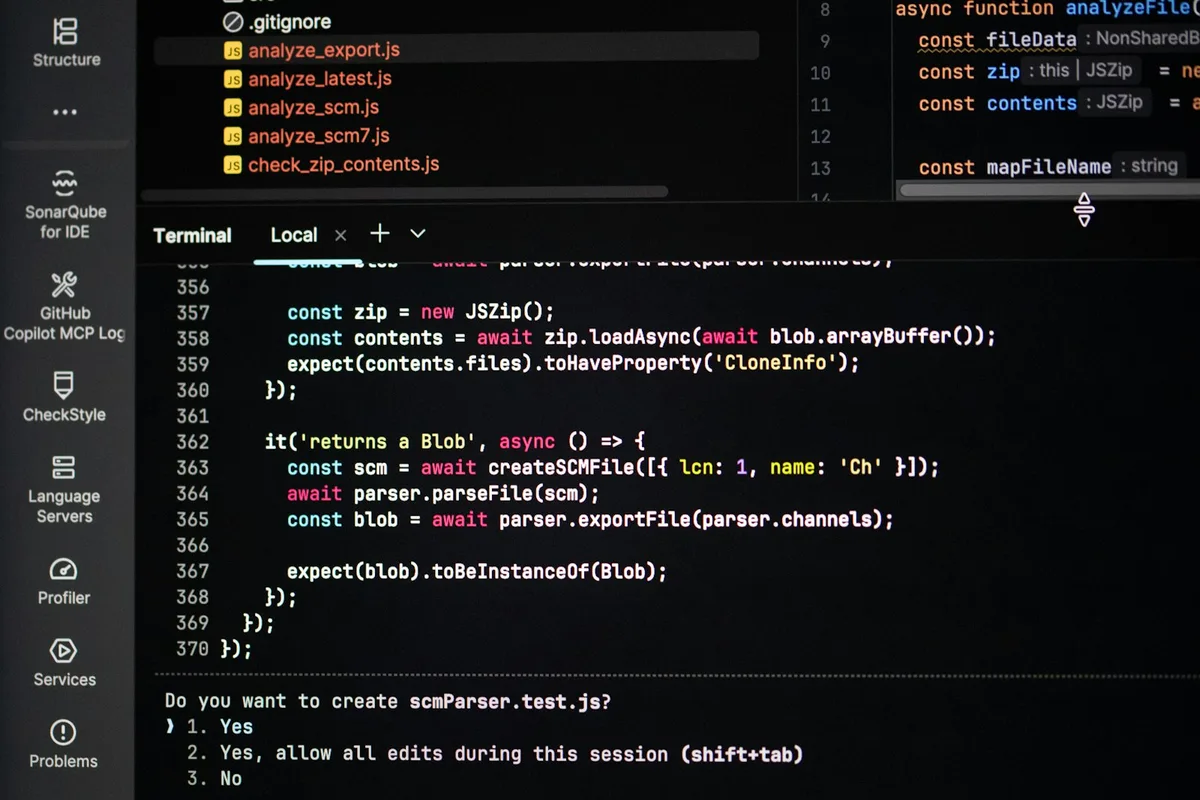
Most AI coding tools live inside your IDE. They see your current file and maybe a few open tabs. Claude Code works differently. It's a CLI that runs in your terminal, reads your entire project, and executes your actual commands, tsc, eslint, vitest, as part of the workflow. (Claude Code Documentation - Anthropic, 2025)
That distinction matters more for React/TypeScript projects than for almost any other stack. TypeScript errors don't show up until you compile. Test failures don't show up until you run tests. A tool that generates code without running your build is guessing. Claude Code isn't guessing, it's checking.
I'd rather skip the feature tour and show the workflows that actually take advantage of what the CLI approach gives you. That's what this guide covers.
The patterns work best when your TypeScript is already clean, TypeScript clean code guide covers 15 patterns including explicit return types, readonly modifiers, and discriminated unions that make Claude Code's generated code fit your codebase rather than fight it.
Does Project Setup Actually Matter?
It matters more than the prompts. Claude Code reads a file called CLAUDE.md from your project root at the start of every session. Whatever you put there becomes its working context. Skip this file and you'll spend half your time correcting output that assumes the wrong test runner, wrong lint config, or wrong TypeScript settings.
CLAUDE.md is the single most important thing you can do to improve Claude Code output. That's not a mild suggestion, it's the one habit I'd defend against any objection. The monorepo behind this site keeps a long CLAUDE.md at its root, and one of its most important entries is the exact typecheck command, because the obvious one checks nothing (more on that below).
What to Put in CLAUDE.md
Here's a minimal CLAUDE.md for a React/TypeScript project using Vite and Vitest:
# Project: MyApp

## TypeScript
- Config: tsconfig.json (strict: true, noUncheckedIndexedAccess: true)
- No `any` types. Use `unknown` and narrow it.
- Generic components preferred over `as` assertions.

## Commands
- Type check: npx tsc --noEmit
- Lint: npx eslint src/ --ext .ts,.tsx
- Tests: npx vitest run
- Dev: npm run dev

## Conventions
- Component files: PascalCase.tsx
- Hook files: useCamelCase.ts
- No default exports from component files
- Props interfaces named [ComponentName]Props
That's it. Twelve lines. Now Claude Code knows what "run the type check" means, what your naming conventions are, and where your config lives. (React Documentation - typescript, 2024)
Every team has slightly different conventions. The point isn't to use my exact file, it's to write yours down somewhere Claude Code can find it.
These conventions plug into the wider vibe coding quality framework, a scorecard that flags the patterns AI-assisted PRs tend to break before they reach review.

How Does Component Development Actually Work?
Start with the TypeScript interface, not the component. This is counterintuitive if you're used to writing components first and props second, but it changes the output quality significantly.
The Three-Step Pattern
Step 1, Define the props interface. Write it yourself. This is your spec.
interface DataTableProps<T extends object> {
  data: T[];
  columns: Array<{
    key: keyof T;
    label: string;
    render?: (value: T[keyof T], row: T) => React.ReactNode;
  }>;
  onRowClick?: (row: T) => void;
  loading?: boolean;
  emptyMessage?: string;
}
Step 2, Ask for the implementation. Say: "Implement DataTable<T> that satisfies the DataTableProps<T> interface above." Claude Code sees the complete contract. It doesn't have to guess what onRowClick should do when the user clicks, the type signature tells it.
Step 3, Ask for tests. "Write Vitest tests for DataTable<T> covering: renders loading state, renders empty message when data is empty, calls onRowClick with the correct row on click." Because Claude Code already has the component implementation in context, it writes tests against the actual component, not a hypothetical one.
Why does this work so well? TypeScript interfaces are unambiguous. Plain English descriptions ("make a table component that shows rows") leave enormous room for interpretation. An interface leaves almost none.
My view: the interface is the prompt. A type signature strips out the guesswork that vague prose forces the model into. I haven't measured the difference, so take that as an opinion you can test on your own component, not a benchmark.
A props interface is the tightest prompt you can write: it leaves the model almost nothing to interpret.
Can Claude Code Refactor Across Multiple Files?
Yes. This is where the CLI approach genuinely beats IDE extensions. When you ask Claude Code to refactor, it reads the full file tree first. It isn't limited to the file you have open.
Here's the refactor I'd reach for first. Suppose you've defined a new type:
type UserSession = {
  userId: string;
  permissions: Permission[];
  expiresAt: Date;
  refreshToken: string;
};
Tell Claude Code: "Refactor all authentication hooks to use UserSession instead of the current { id: string; token: string } shape. Update all call sites." It will identify every file importing the old type, update them, and then run tsc --noEmit to verify. If compilation fails, it reads the error output and iterates.
That last part matters. The verify-and-fix loop means regressions surface during the session, not when you push. A missed call site three files deep is exactly what tsc --noEmit reports, and it reports it in seconds instead of after a CI run.
There's one trap, and this repo fell into it. The root tsconfig.json here uses project references with "files": [], so a bare npx tsc --noEmit at the root reports success while checking nothing. If your CLAUDE.md names that command, the loop verifies nothing and still looks green. Name the per-project command instead.
Extracting Large Components
The same approach works for splitting a large component into smaller pieces. Give Claude Code the target: "Extract UserProfileCard into three components, Avatar, UserStats, and ContactLinks. Move the shared style constants to a separate file. Run tsc after." It handles the seam boundaries and updates imports automatically.
For the CI side of the same loop, our automated code review pipeline walks through wiring CodeRabbit and GitHub Actions to catch the issues Claude Code's local pass can miss.
What Does Claude Code Do for Debugging?
Paste the TypeScript error. The full error. Don't summarize it. Claude Code traces the error back through the type definitions, finds where the mismatch originated, and proposes a fix at the root cause rather than a cast that silences it downstream.
For React prop drilling issues specifically, where a type error surfaces three components below where the problem actually lives, this is genuinely useful. You can ask: "This error is in UserCard. Trace why profile.address is possibly undefined given how UserCard receives its props from ProfilePage." It follows the chain.
Running the test suite is even more useful. Tell Claude Code: "Run the test suite and fix any failing tests." It executes vitest run, reads the failure output, finds the cause, and patches it. You're handing it a feedback loop, not just a prompt.
Where does it struggle with debugging? Discriminated union exhaustiveness. It usually notices a missing case in a switch statement, but complex nested unions with multiple discriminants sometimes produce a patch that compiles but handles the missing case incorrectly. Always read the logic, not just the green type check.

What Should Claude Code Be Allowed to Touch?
A tool that runs your commands can run other commands too. Claude Code's answer is a permissions block in .claude/settings.json, which you commit so the whole team shares it. When you click "Yes, and don't ask again" on a prompt, the rule lands in .claude/settings.local.json instead, per the permissions docs. For a Vite and Vitest project, this is a sane starting point:
{
  "permissions": {
    "allow": [
      "Bash(npm run *)",
      "Bash(npx vitest *)",
      "Bash(npx tsc --noEmit *)"
    ],
    "ask": [
      "Bash(git push *)"
    ],
    "deny": [
      "Read(./.env)",
      "Read(./.env.*)",
      "Bash(curl *)"
    ]
  }
}
Two rules from the docs decide how this behaves. First, rules are evaluated deny, then ask, then allow, and the first match wins regardless of how specific a rule is, so an allow entry can't carve an exception out of a deny. Second, a Read deny also blocks the Edit and Write tools on that path.
Now the catch nobody puts in a quick-start. Read and Edit deny rules cover Claude's own file tools and file commands it recognizes in Bash, like cat. They don't cover a program that opens files itself. npm run dev starts Vite, and Vite loads .env files on its own, so the allow rule above hands that file to a process the deny rule never sees. Is that a bug? No, and the docs say so plainly: Bash rules aren't a security boundary around a program. For that, turn on the sandbox with /sandbox. It uses Seatbelt on macOS and needs bubblewrap and socat on Linux, and it restricts filesystem and network access for every Bash command and its child processes. I checked all of this against the docs for Claude Code 2.1.280 on September 29, 2026.
If you connect external tools, the same thinking applies to MCP servers, which get their own rule syntax. The MCP explainer covers what those connections can reach. A concrete example for React work is Storybook's MCP addon, which hands the agent your real component props instead of its guesses, and the Storybook MCP setup shows where that connection quietly degrades.
Where Does Claude Code Fall Short?
Be honest about this. A tool that never fails isn't a real tool, it's marketing. Context window is the amount of project text a model can hold in memory at once before it starts dropping earlier files from consideration, and it's the single biggest limiting factor for how well Claude Code performs on a large React codebase. Three specific limits show up repeatedly: visual work, since the model reasons about a screenshot's pixels rather than rendering the app live; large codebases, where files past roughly 200,000 tokens start getting missed; and generated test logic, which sometimes asserts what the code currently does rather than what it should do. According to Anthropic's own Claude Code documentation, these aren't bugs so much as inherent tradeoffs of a text-based coding agent, and the practical fix for the codebase-size problem is scoping every request to a specific directory or hook rather than the whole repository.
Visual work. Claude Code can accept an image (drag a screenshot in, or point it at a file path) and reason about what's in it, but it's still reading pixels, not rendering your app live. Paste a Figma screenshot and ask for matching CSS and you'll get a reasonable first pass, not a pixel-perfect match. Expect to iterate a couple of times against the actual rendered page.
Large codebases. Claude Code's context window is large but not infinite. On codebases over roughly 200k tokens, you'll see it miss files it should have considered. Scope your requests tightly. "Refactor the authentication module" on a 300-file project is a worse prompt than "Refactor useAuthState in src/hooks/auth/."
Test logic. Generated tests sometimes assert the right behavior and sometimes assert whatever the implementation happens to do. There's a difference between "this test confirms the component works correctly" and "this test confirms the component does what it currently does." Read the assertions. Don't just check that the tests pass.
As of early 2026, these are the real edges. They're not dealbreakers, they're just the parts where you stay in the loop.
Where Does Claude Code Struggle, and Where Does It Shine?
| Strength | Limitation | |
|---|---|---|
| Multi-file refactors | Reads full file tree, updates call sites, runs tsc to verify | Misses files past roughly 200k tokens of codebase |
| Debugging | Traces TypeScript errors to root cause across prop drilling | Complex nested discriminated unions can compile but mishandle a case |
| Testing | Writes tests against the actual implementation in context | Sometimes asserts current behavior, not correct behavior |
| Visual work | Can accept and reason about a pasted screenshot or image file | No live rendering; matching a design still takes a couple of iterations |
Why Is the Feedback Loop the Point?
Claude Code's value for React/TypeScript work isn't that it generates better code in isolation. It's that it participates in the actual build cycle. The verify-and-fix loop refers to Claude Code running your actual build, lint, and test commands after making a change and reading the failure output to correct itself, rather than handing you code it has never executed. Generate, compile, test, fix, all in one session, all against your real project configuration. What it catches is the unglamorous kind of regression: a missed call site, a prop type that no longer lines up, the kind of thing that would otherwise surface as a red CI run twenty minutes later.
That feedback loop is what separates it from a sophisticated autocomplete. The CLI approach means it's running the same commands you'd run. It knows when something is wrong before you do, because it checked.
Set up your CLAUDE.md. Define your interfaces first. Scope your requests. Then let the compile-test-fix loop do its work.